
Tools for
Creators and influencers
Captions, thumbnails, cut-outs, hooks and the brand-deal paperwork, for Instagram, YouTube, TikTok and podcasts. No watermark, no app, no upload.
32 tools · 25 free with no account · 7 free to try with one
Most of the work behind a post is not the idea. It is the captions that take an hour by hand, the thumbnail that needs the face cut out and the background punched up, the same photo at four sizes for four apps, and the invoice for the brand that finally paid. The apps that do it want a subscription, put a watermark on the free version, or want your video on their server first.
These run in your browser. The AI models for captions, cut-outs, upscaling and the rest are downloaded once and run on your own device, so an unreleased video or a client’s product shot never leaves it, and nothing you export carries a watermark. The writing tools for hooks, scripts and titles are the exception: they send what you type to a language model, say so on the page, and give you ten free a month.
Video
Reels from a script, captions burned in word by word, and clips made out of stills.
 Auto Captions (offline)Add word-by-word animated captions to a video, free and offline. Whisper runs in your browser — nothing is uploaded. Edit the words, pick a style, export MP4 with sound, plus SRT and VTT.Free
 3D Photo Parallax VideoTurn one still photo into a looping 3D parallax clip. AI depth runs in your browser — nothing is uploaded. Export a 6-second MP4 or GIF in 9:16, 1:1 or 16:9.Free
 Text Behind ImagePut text behind a person, car, building or sky in any photo. AI finds the layers in your browser — nothing is uploaded. Animate the text and export PNG, JPEG, GIF or MP4.Free
 Face Blur (everyone but me)Blur or pixelate every face in a photo or short video and tap the ones to keep. The face detector runs in your browser — nothing is uploaded. PNG or MP4 out.Free
Thumbnails and covers
The frame people decide on in half a second.
 YouTube Thumbnail MakerFace cut out with a glow, background punched up, a bold title on top; export 1280×720 PNG or JPEG under 2 MB, three variants in one click. Nothing is uploaded.Free
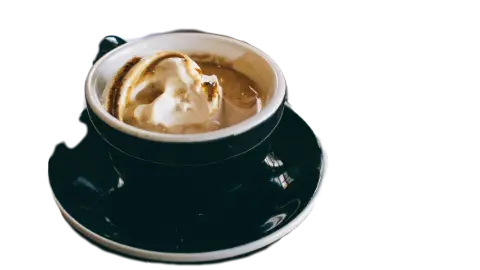 AI Background RemoverRemove the background from any photo, or keep only the people, cars or sky. AI in your browser — nothing is uploaded. Transparent PNG or WebP, 20 at a time.Free
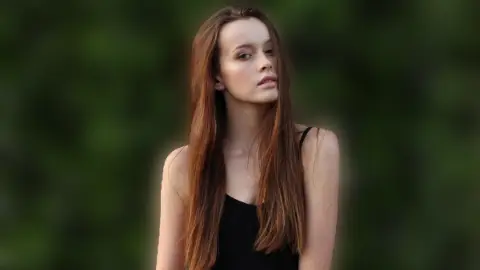 Blur Background (Portrait Mode)Blur the background of a photo and keep the subject sharp: bokeh, motion streaks or zoom blur that grows with distance, like portrait mode. Nothing is uploaded.Free
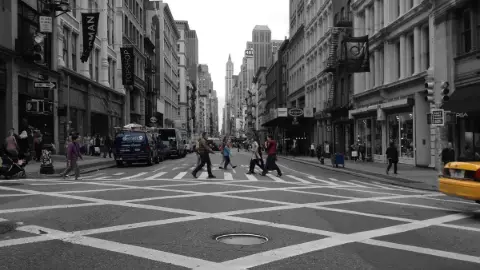 Colour Pop & DuotoneKeep one layer or one colour and turn the rest black and white, sepia or duotone. AI finds the layers in your browser; nothing is uploaded. PNG, MP4 or GIF.Free
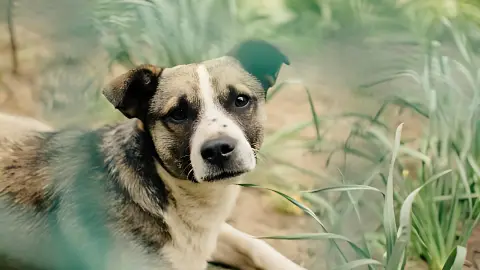 AI Image UpscalerUpscale a photo 2× or 4×, or unblur it at its own size, with Real-ESRGAN running in your browser. Nothing is uploaded. Before/after slider; PNG, JPEG or WebP.Free
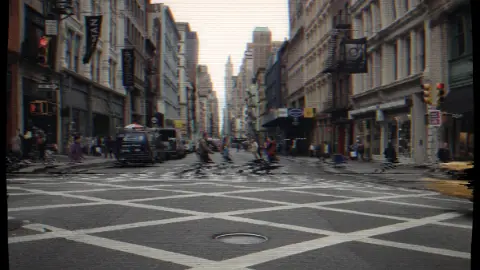 Film Grain & VHS EffectGive a photo film grain, light leaks, VHS tracking, a date stamp and faded colour. Seven presets, a random roll; PNG still or a looping GIF and MP4. No upload.Free
Every size every app wants
One picture in; a carousel, a story, a square and an avatar out.
 Social Media Image ResizerProduce correctly sized images for Instagram, Facebook, X, LinkedIn, YouTube and more in one pass.Free
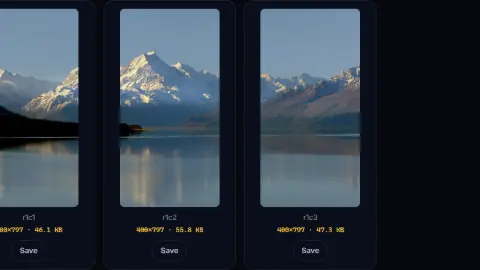 Image Splitter (Grid & Carousel)Cut an image into a grid of tiles — for Instagram carousels, photo mosaics or sprite sheets.Free
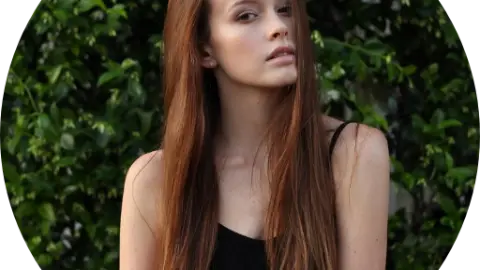 Circle Crop / Avatar MakerCrop an image into a circle or rounded square with a transparent background — ready for profile pictures.Free
 Image CompressorShrink JPEG, PNG and WebP files with a live quality preview and a before/after size comparison.Free
 Image CropperCrop an image by dragging a selection, with optional locked aspect ratios.Free
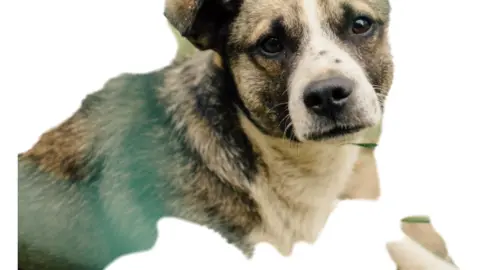 Sticker MakerCut a sticker from any photo, white outline and all: a WhatsApp or Telegram pack, a story or a transparent PNG. AI in your browser — nothing is uploaded.Free
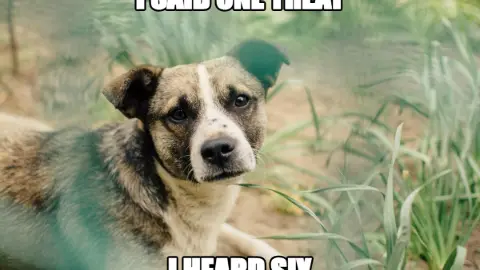 Meme GeneratorAdd classic top and bottom caption text to an image, with the traditional outlined Impact styling.Free
Words that get the click
Drafts to edit: the first three seconds, the script, the title and the tags.
The business of it
Brand deals, invoices in another currency, and the tax on what came in.
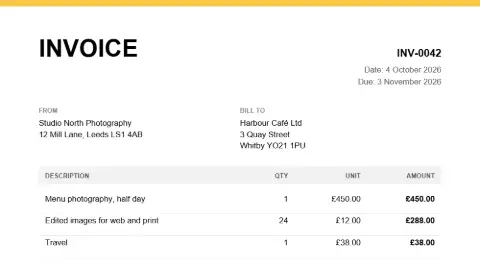 Invoice Generator (PDF)Create a clean, professional invoice PDF with line items, tax and totals calculated for you.Free
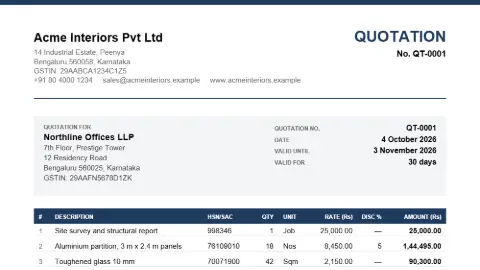 Quotation & Proforma Invoice Generator (PDF)Create a quotation, proforma invoice or estimate as a clean PDF: line items with HSN/SAC and discounts, GST or VAT worked out for you, terms, bank details and an acceptance block for the client to sign and return.FreeContract, NDA & Offer Letter GeneratorName the parties and the terms and get a full first draft — a mutual or one-way NDA, a service or consultancy agreement, an offer letter, a leave-and-licence summary — with numbered clauses, defined terms and [brackets] where you still have to decide. A draft for your lawyer, not a substitute for one.Free to tryCurrency ConverterConvert between 160+ world currencies using daily reference rates. Rates are cached so it keeps working offline.Free
 QR Code GeneratorCreate QR codes for URLs, WiFi, contact cards, UPI and more. Custom shapes, colours and a logo, with a built-in scan check. Download as SVG or PNG.FreeIncome Tax Calculator (New vs Old Regime)Compare tax under both regimes for FY 2026-27, including rebate, surcharge, cess and marginal relief.FreeUK Take-Home Pay CalculatorEstimate income tax, National Insurance and net pay from a gross salary. England, Wales and Northern Ireland.Free
Coming next for creators and influencers
- Engagement rate calculator — Followers, likes, comments and views in; engagement rate and how it compares out.
- Video compressor and GIF maker — A clip under a platform’s size limit, without an upload.
- Silence and filler cutter — The pauses and the ums found from the transcript and cut out.
Want one of these first, or something else? Ask for it — no account needed, and the requests decide what gets built next.
Frequently asked questions
Is there really no watermark?
None, on anything. The captioned video, the thumbnail, the cut-out and the clip are drawn and encoded by your own browser, and nothing we make adds a mark. There is an optional small “1234tools.com” credit you can switch on in the video tools if you want to; it is off unless you turn it on.
Do my videos get uploaded?
No. Auto Captions downloads a 41 MB speech model into your browser once and transcribes on your device; the image tools do the same with their own models. Your clip is decoded, captioned and re-encoded on your own machine. The AI writing tools are different and say so on their pages: they send the text you type to a language model.
Will it work on my phone?
Yes, in current Chrome and Safari. Phones are slower than laptops at the AI steps, so the pages warn you before a long job; a one-minute clip is comfortable on a recent phone, ten minutes is a laptop job.
Can I use what I make commercially?
Yes. The output is yours, sponsored posts and client work included. The models are under licences that allow commercial use, and each tool’s page names its licence.