
Tools for
Photographers
Upscale, swap a sky, remove a stranger, add grain, strip the GPS, and deliver at the right size — on your own device, with no upload and no watermark.
27 tools · 26 free with no account · 1 free to try with one
The edits a photographer reaches for between shoots are mostly small and specific: a sky that was white, a person who walked into the frame, a print that needs twice the pixels, a set of files to deliver at web size with the location data taken out. Each one is a reason to open a heavy editor or pay a monthly fee for a single feature.
These do one thing each, in your browser. The AI models — upscaling, sky segmentation, object removal, depth — are downloaded once and run on your own processor, so a client’s photographs never leave your machine and nothing is watermarked. The EXIF tools read and strip metadata locally, which is the point: you see what a file gives away before anyone else does.
Retouching with AI
The fixes that used to mean an hour with a brush.
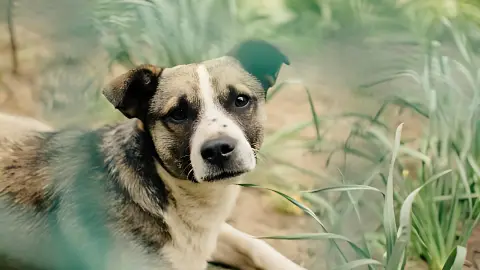 AI Image UpscalerUpscale a photo 2× or 4×, or unblur it at its own size, with Real-ESRGAN running in your browser. Nothing is uploaded. Before/after slider; PNG, JPEG or WebP.Free
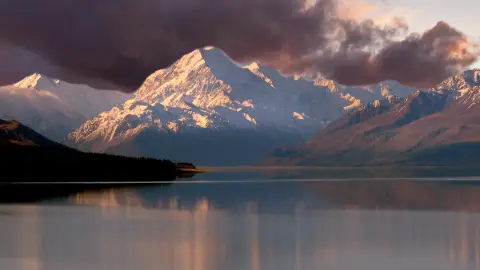 Sky ReplacementSwap a flat sky for blue, clouds, sunset, storm or stars. AI finds the sky in your browser; nothing is uploaded. Match the light and export PNG, MP4 or GIF.Free
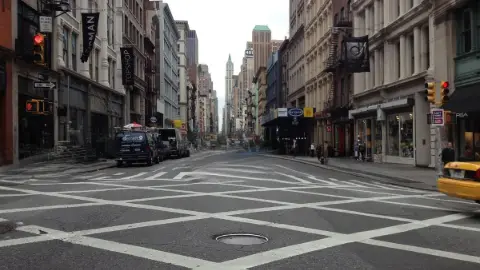 Object & People RemoverBrush over a person, car, bin or cable and it is gone, filled in by AI running in your browser — nothing is uploaded. One tap removes every person in the shot.Free
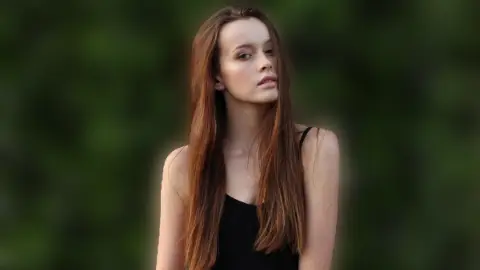 Blur Background (Portrait Mode)Blur the background of a photo and keep the subject sharp: bokeh, motion streaks or zoom blur that grows with distance, like portrait mode. Nothing is uploaded.Free
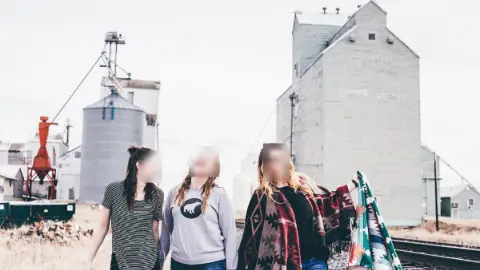 Face Blur (everyone but me)Blur or pixelate every face in a photo or short video and tap the ones to keep. The face detector runs in your browser — nothing is uploaded. PNG or MP4 out.Free
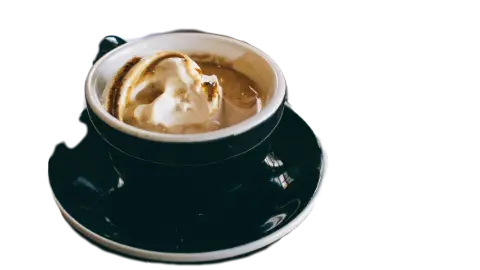 AI Background RemoverRemove the background from any photo, or keep only the people, cars or sky. AI in your browser — nothing is uploaded. Transparent PNG or WebP, 20 at a time.Free
Looks
Grain, colour and a little movement.
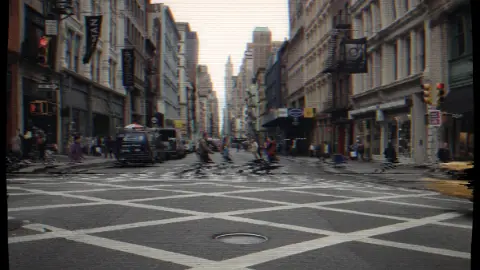 Film Grain & VHS EffectGive a photo film grain, light leaks, VHS tracking, a date stamp and faded colour. Seven presets, a random roll; PNG still or a looping GIF and MP4. No upload.Free
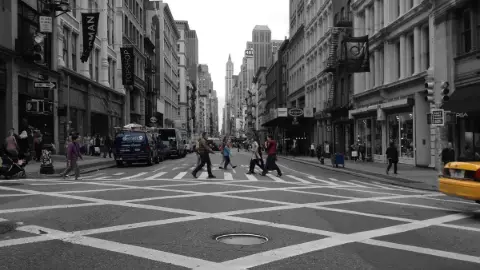 Colour Pop & DuotoneKeep one layer or one colour and turn the rest black and white, sepia or duotone. AI finds the layers in your browser; nothing is uploaded. PNG, MP4 or GIF.Free
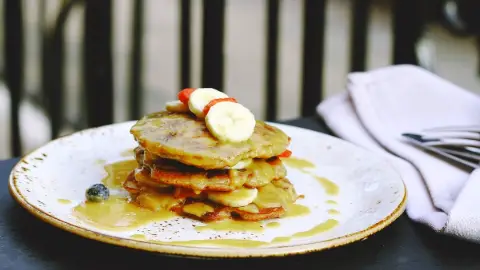 Photo Filters & AdjustmentsAdjust brightness, contrast, saturation and blur, or apply grayscale, sepia and invert.Free
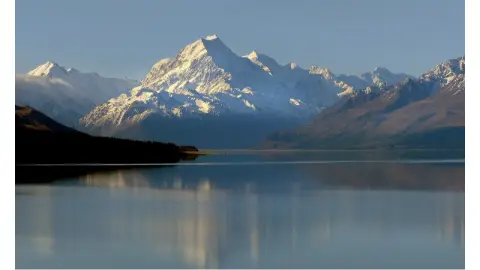 Add Border & Frame to ImageAdd a solid border, padding or polaroid-style frame around a photo.Free
 3D Photo Parallax VideoTurn one still photo into a looping 3D parallax clip. AI depth runs in your browser — nothing is uploaded. Export a 6-second MP4 or GIF in 9:16, 1:1 or 16:9.Free
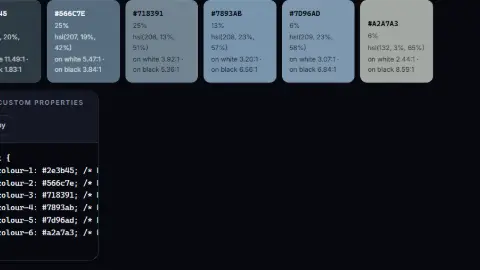 Colour Palette ExtractorPull the dominant colours out of any image as HEX, RGB and HSL, with contrast checks.Free
Metadata and privacy
What the file says about where you were.
 Blur & Redact ImageBlur, pixelate or black out part of an image to hide faces, addresses or account details before sharing.Free
Delivery
Every size and format, in a batch.
 Bulk Image ResizerResize dozens of images at once to a fixed width, height or percentage, and download them as a ZIP.Free
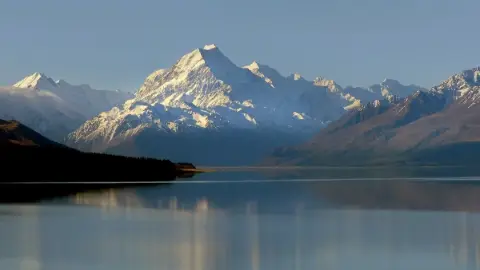 Image CompressorShrink JPEG, PNG and WebP files with a live quality preview and a before/after size comparison.Free
 Image Format ConverterConvert between PNG, JPEG and WebP in your browser. No upload, no queue, no watermark.Free
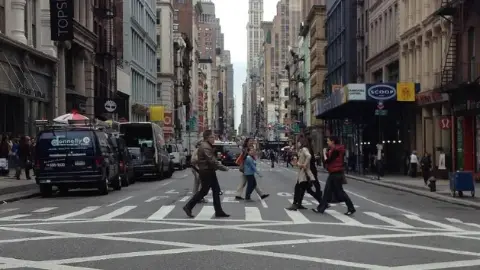 Image CropperCrop an image by dragging a selection, with optional locked aspect ratios.FreeAspect Ratio CalculatorCalculate proportional dimensions and simplify aspect ratios for images and video.Free
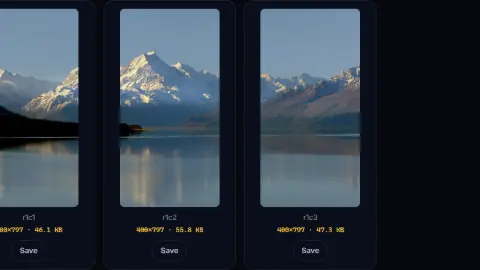 Image Splitter (Grid & Carousel)Cut an image into a grid of tiles — for Instagram carousels, photo mosaics or sprite sheets.Free
 Image to PDF ConverterCombine JPEG and PNG images into a single PDF, one image per page, with page size and margin control.Free
The business side
Quotes, invoices and the contract before the shoot.
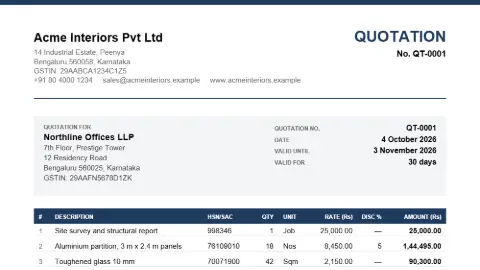 Quotation & Proforma Invoice Generator (PDF)Create a quotation, proforma invoice or estimate as a clean PDF: line items with HSN/SAC and discounts, GST or VAT worked out for you, terms, bank details and an acceptance block for the client to sign and return.Free
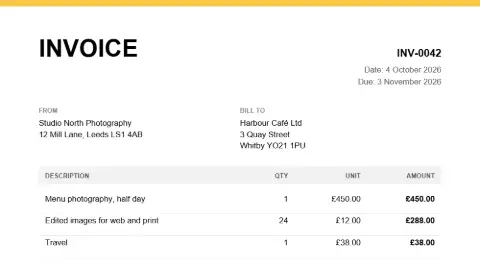 Invoice Generator (PDF)Create a clean, professional invoice PDF with line items, tax and totals calculated for you.FreeContract, NDA & Offer Letter GeneratorName the parties and the terms and get a full first draft — a mutual or one-way NDA, a service or consultancy agreement, an offer letter, a leave-and-licence summary — with numbered clauses, defined terms and [brackets] where you still have to decide. A draft for your lawyer, not a substitute for one.Free to try
 Add a Signature to a PDFDraw or type a signature onto a PDF and place it where you want. A visible signature, not a cryptographic one — the difference is explained below.FreeCurrency ConverterConvert between 160+ world currencies using daily reference rates. Rates are cached so it keeps working offline.Free
Coming next for photographers
- Image watermark — Your logo or name on a batch of photos, at a size and opacity you choose.
- Print size and DPI calculator — Pixels in; the largest print at 300, 240 or 150 DPI out.
- Contact sheet — A folder of photos laid out as a numbered PDF for the client to choose from.
Want one of these first, or something else? Ask for it — no account needed, and the requests decide what gets built next.
Frequently asked questions
How good is the upscaler?
It uses Real-ESRGAN, a widely used open model, at 2× or 4×, or at 1× to clean up a soft image. It is good on detail and texture, and it invents what was never captured, so check faces and text closely before printing large.
Are RAW files supported?
Not directly — the tools read what a browser can decode: JPEG, PNG, WebP and, in Safari, HEIC. Export from your RAW editor first.
Will my client’s photos be uploaded?
No. Every image tool on this page runs in your browser, including the AI ones: the models are downloaded once and run on your own device. Nothing is queued, stored or watermarked. The contract generator is the one AI writing tool here, and it sends the terms you type to a model and says so first.