
Tools for
Designers
Colour and contrast, palettes from a photo, gradients, SVG clean-up, favicons, cut-outs and the right size for every screen — fast, free and on your own machine.
28 tools · 27 free with no account · 1 free to try with one
Between the big files there are fifty small jobs: check the contrast ratio, pull a palette from the client’s photo, make the favicon set, take the background off a product shot, shrink the SVG the illustrator exported, and get the same banner out at six sizes. None of them justifies a new subscription, and most free sites that do them want the file uploaded first.
These run in your browser. Colours, gradients and SVGs are text operations; images are canvas and on-device AI. A client’s unreleased brand work goes through them without leaving your device, and there is no watermark on anything you export.
Colour
Convert it, check it, find it in a photo.
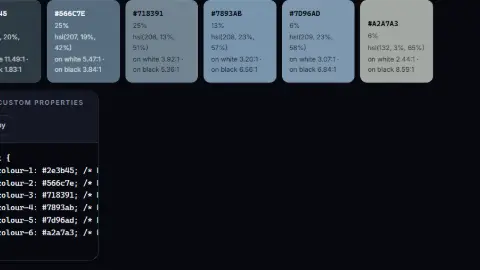 Colour Palette ExtractorPull the dominant colours out of any image as HEX, RGB and HSL, with contrast checks.FreeCSS Gradient GeneratorBuild linear and radial CSS gradients with a live preview and copy-ready code.Free
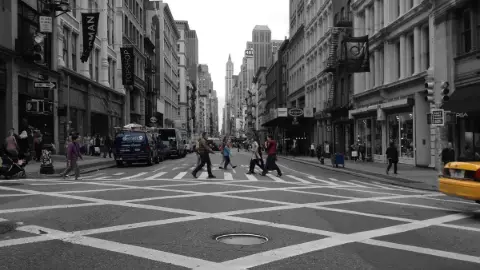 Colour Pop & DuotoneKeep one layer or one colour and turn the rest black and white, sepia or duotone. AI finds the layers in your browser; nothing is uploaded. PNG, MP4 or GIF.Free
Images and cut-outs
The subject off the background, ready to place.
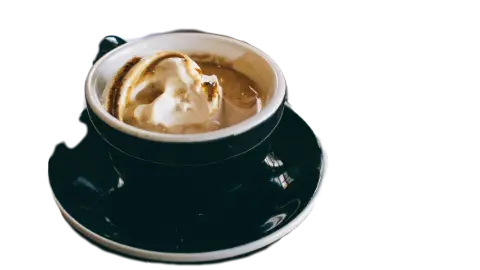 AI Background RemoverRemove the background from any photo, or keep only the people, cars or sky. AI in your browser — nothing is uploaded. Transparent PNG or WebP, 20 at a time.Free
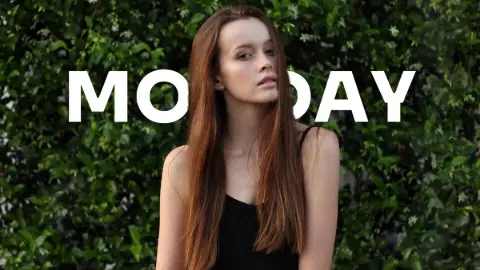 Text Behind ImagePut text behind a person, car, building or sky in any photo. AI finds the layers in your browser — nothing is uploaded. Animate the text and export PNG, JPEG, GIF or MP4.Free
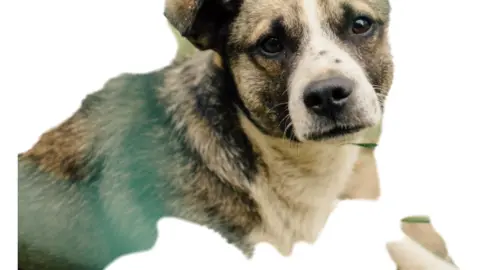 Sticker MakerCut a sticker from any photo, white outline and all: a WhatsApp or Telegram pack, a story or a transparent PNG. AI in your browser — nothing is uploaded.Free
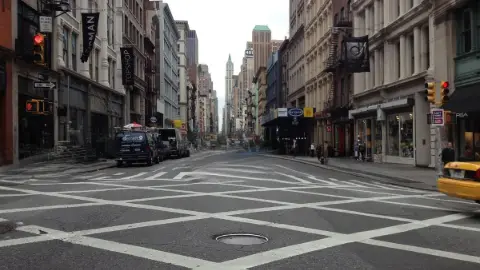 Object & People RemoverBrush over a person, car, bin or cable and it is gone, filled in by AI running in your browser — nothing is uploaded. One tap removes every person in the shot.Free
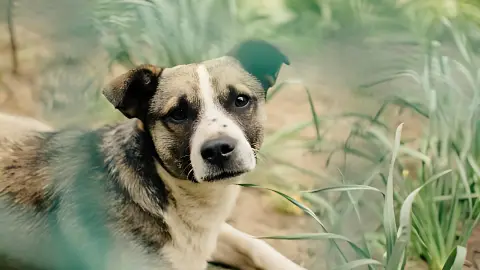 AI Image UpscalerUpscale a photo 2× or 4×, or unblur it at its own size, with Real-ESRGAN running in your browser. Nothing is uploaded. Before/after slider; PNG, JPEG or WebP.Free
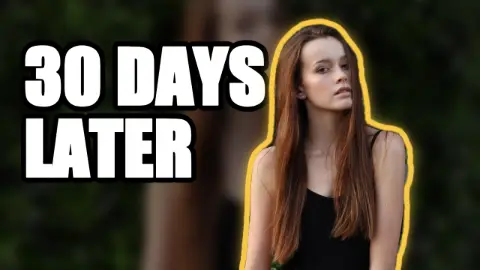 YouTube Thumbnail MakerFace cut out with a glow, background punched up, a bold title on top; export 1280×720 PNG or JPEG under 2 MB, three variants in one click. Nothing is uploaded.Free
Sizes and formats
One master, every output.
 Social Media Image ResizerProduce correctly sized images for Instagram, Facebook, X, LinkedIn, YouTube and more in one pass.FreeAspect Ratio CalculatorCalculate proportional dimensions and simplify aspect ratios for images and video.Free
 Bulk Image ResizerResize dozens of images at once to a fixed width, height or percentage, and download them as a ZIP.Free
 Image Format ConverterConvert between PNG, JPEG and WebP in your browser. No upload, no queue, no watermark.Free
 Image CompressorShrink JPEG, PNG and WebP files with a live quality preview and a before/after size comparison.Free
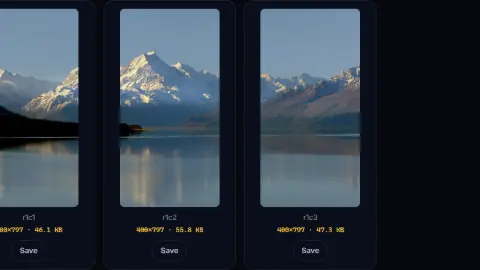 Image Splitter (Grid & Carousel)Cut an image into a grid of tiles — for Instagram carousels, photo mosaics or sprite sheets.Free
For the web build
The files and snippets a developer will ask you for.
Client work
Quotes, invoices, and proofs as PDFs.
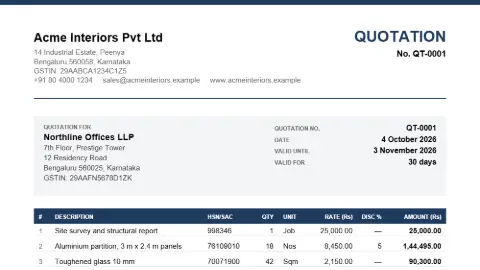 Quotation & Proforma Invoice Generator (PDF)Create a quotation, proforma invoice or estimate as a clean PDF: line items with HSN/SAC and discounts, GST or VAT worked out for you, terms, bank details and an acceptance block for the client to sign and return.Free
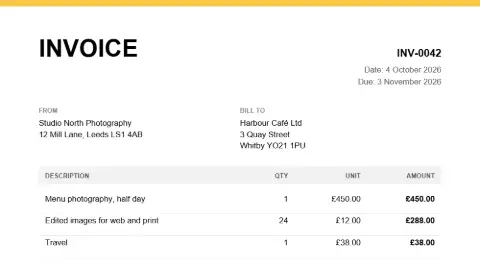 Invoice Generator (PDF)Create a clean, professional invoice PDF with line items, tax and totals calculated for you.Free
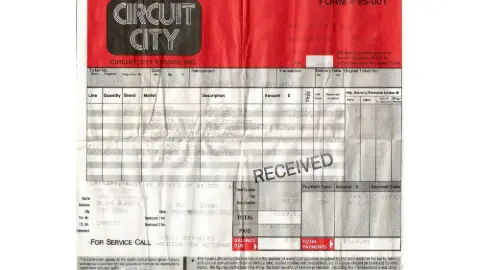 Image to PDF ConverterCombine JPEG and PNG images into a single PDF, one image per page, with page size and margin control.Free
 PDF to ImagesConvert PDF pages to PNG or JPEG images at any resolution, entirely in your browser.FreeBrand Voice Guide BuilderPaste two or three pieces of copy you already like and say what the brand is; get back a voice guide — the personality in three words, a tone do/don’t table, words to use and words to avoid, your samples rewritten to show the rules, and how the voice changes for social, support and sales.Free to try
 QR Code GeneratorCreate QR codes for URLs, WiFi, contact cards, UPI and more. Custom shapes, colours and a logo, with a built-in scan check. Download as SVG or PNG.Free
Coming next for designers
- Font pairing preview — Two typefaces side by side in headings and body, from the fonts on your machine.
- Device mock-ups — A screenshot in a phone or laptop frame, exported as PNG.
- Image to SVG — A logo or icon traced into clean vector paths.
Want one of these first, or something else? Ask for it — no account needed, and the requests decide what gets built next.
Frequently asked questions
Does the contrast check follow WCAG?
Yes. The colour converter gives the contrast ratio between two colours and whether it passes WCAG 2.x AA and AAA for normal and large text.
Will the SVG optimiser break my file?
It removes editor metadata, comments, hidden elements and needless precision, and shows the saving. Keep the original, and check anything with filters or embedded fonts after optimising.
Are client files uploaded?
No. Everything on this page runs in your browser — colour and SVG work as text, images as canvas and on-device AI. The one AI writing tool on the page, the brand voice guide, sends the sample copy you paste to a model and says so first.